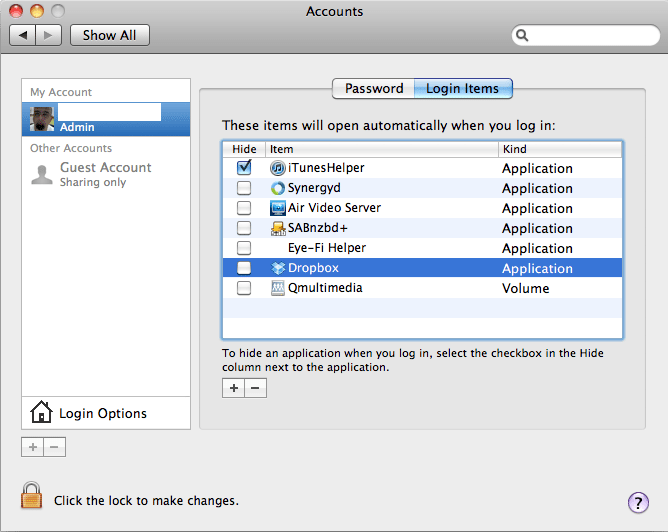
Screen shot 2010-09-20 at 1.26.42 PM


A full screenshot of a macOS 'Accounts' system preferences window, specifically on the 'Login Items' tab. The left panel shows 'Admin' as the selected user account. The main panel displays a table titled 'These items will open automatically when you log in:', listing applications such as iTunesHelper (checkbox checked in 'Hide' column), Synergyd, Air Video Server, SABnzbd+, Eye-Fi Helper, Dropbox (highlighted in blue), and Qmultimedia. A text instruction states 'To hide an application when you log in, select the checkbox in the Hide column next to the application,' and a locked padlock at the bottom indicates that 'Click the lock to make changes.'


Leave a Reply