Screen shot 2010-09-20 at 1.18.57 PM


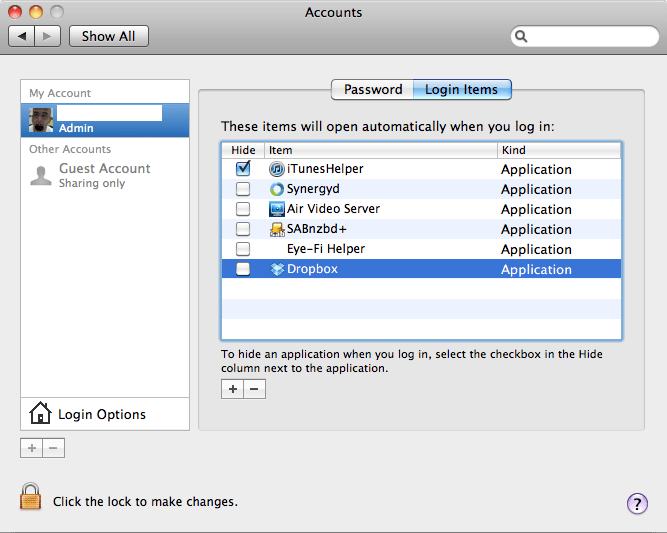
A full-screen screenshot of an old macOS 'Accounts' preference window. The left sidebar shows 'My Account' with 'Admin' selected, displaying an avatar of a person with a beard, and 'Other Accounts' with 'Guest Account (Sharing only)'. Below are 'Login Options' and '+' and '-' buttons. The main panel is titled 'Accounts' and has 'Password' and 'Login Items' tabs, with 'Login Items' selected. The heading states, 'These items will open automatically when you log in:'. Below is a table with columns 'Hide', 'Item', and 'Kind'. 'iTunesHelper' has a checked 'Hide' box, while 'Synergyd', 'Air Video Server', 'SABnzbd+', 'Eye-Fi Helper', and 'Dropbox' have unchecked 'Hide' boxes. All listed items are of 'Kind: Application'. 'Dropbox' is highlighted in blue. Below the table, text reads: 'To hide an application when you log in, select the checkbox in the Hide column next to the application.' There are also '+' and '-' buttons and a padlock icon at the bottom left with text 'Click the lock to make changes.'


Leave a Reply